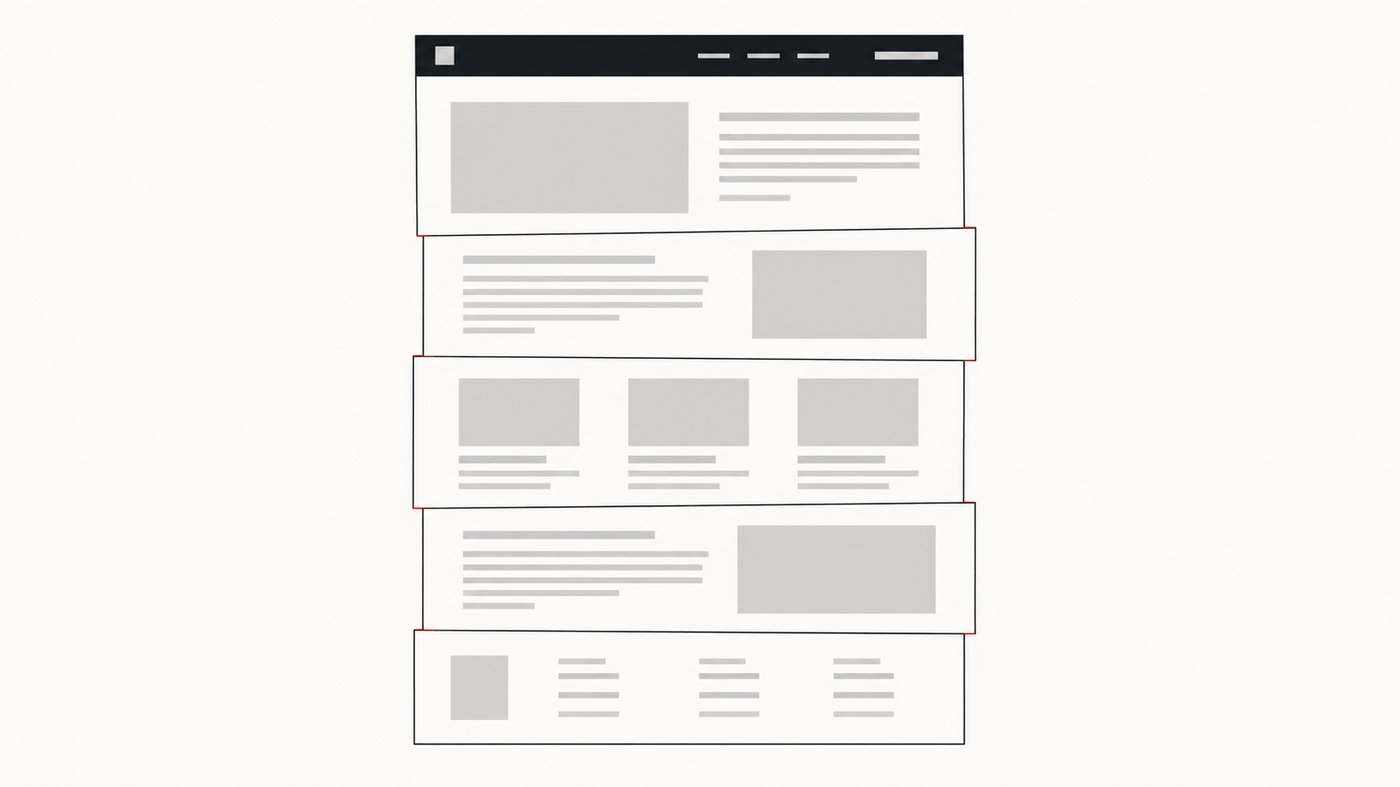
Taking a screenshot of a whole webpage sounds like it should be a weekend project. Scroll down a bit, take a picture, scroll again, glue the pictures together. I have shipped twenty or so products, and I genuinely thought this one would be quick.
It was not quick. Almost none of the difficulty is in the screenshotting, and nearly all of it is in the fact that a webpage is not a photograph. It is a live document that reacts to being scrolled, and the act of capturing it changes what you are capturing.
These are the parts that took the longest, roughly in the order I hit them.
The naive version, and exactly where it breaks
Chrome gives extensions a way to capture the visible part of a tab. So the obvious approach is a loop: capture the viewport, scroll down by one viewport height, capture again, repeat until you reach the bottom, then stack the images.
Write that loop and you will have something working in an afternoon. Then you point it at a real website and it falls apart in four distinct ways within about thirty seconds.
Every one of the sections below is a bug I hit with that first version.
Sticky headers, or: the same navbar forty times
The first page I tested had a navigation bar that stays pinned to the top as you scroll. Which means it was in the viewport for every single capture. My beautiful tall image had the same navbar running down it like a flip book, once per scroll step, with the actual content sliced up between the repetitions.

Cookie banners do the same thing. So do chat widgets, floating “back to top” buttons, newsletter popups and those little cookie preference tabs that sit in the corner forever.
The fix is not “hide everything that is position: fixed”, tempting as that is. A sticky header is genuinely part of the page and should appear once, at the top, where it belongs. So the engine identifies elements that are pinned to the viewport, keeps them in the first capture, and neutralises them for the rest of the passes. The header appears exactly once, in the right place, and the content underneath is continuous.
Getting this wrong in the other direction is worse, incidentally. Strip too aggressively and you produce a capture of a page that never existed.
The page changes while you are photographing it
This is the part I had not thought about at all before starting.
Images that load when you scroll to them. Most sites now defer loading images until they are about to become visible. Scroll past quickly, capture immediately, and you photograph a grey placeholder box. So the engine has to scroll, then wait, then check whether anything is still arriving, then capture. Waiting long enough to be correct without being unbearably slow is a tuning problem I am still not finished with.
Pages that grow underneath you. Infinite scroll means the page gets taller every time you reach the bottom of it. If you calculate the total height once at the start and trust it, you will stop a third of the way down a feed. The height has to be re-checked as you go, with a cap so that a genuinely infinite page terminates rather than capturing forever. The current limits are up to 40 scroll passes and about 32,700 pixels of height, which covers essentially every real page while refusing to chase a social feed to the end of time.
Video. A playing video is a different frame in every capture. Stitch those together and you get a vertical smear of half-drawn faces. Videos get paused before the capture starts and resumed afterwards, which is a two-line fix that took me an embarrassingly long time to realise I needed.
Content that scrolls inside a panel. Some layouts do not scroll the window at all. The window stays still and a div scrolls inside it. Scroll the window on one of those and nothing happens, so the naive loop captures the same viewport forty times and produces a very tall image of one screen.
Seams are where an amateur job becomes obvious
Here is the thing nobody tells you: if your scroll position is off by even two or three pixels, the two captures you are gluing together will not line up. And the human eye is extraordinarily good at spotting a discontinuity in a line of text.
You do not get a subtle imperfection. You get a sentence with a repeated row of pixels through the middle of it, or a paragraph that jumps. Once you have seen it you cannot stop seeing it.
Scroll positions drift for a lot of reasons. Browsers round subpixel values. Zoom levels that are not exactly 100% introduce fractions. High density displays mean the number of device pixels is not the number of CSS pixels. Some pages animate their scroll and arrive somewhere slightly different from where you asked.
Rather than trying to make the scrolling perfect, which I do not think is achievable, the engine captures with a deliberate overlap and then verifies the seam. Where two strips meet, it compares the overlapping region. If the two do not match, that strip is captured again. The joins are found and fixed rather than assumed to be fine.
This is the single piece of the codebase I am most pleased with, and it is completely invisible when it works. Which is the correct outcome, and also slightly annoying.
The editor problem I did not expect
I assumed the editor would be the easy half. Draw an arrow, save the file, done.
Two things made it not that.
Annotations have to live in the image’s coordinate space, not the screen’s. If you draw an arrow while zoomed out to 30%, then zoom to 100%, then crop, then export at a different scale, that arrow has to stay pointing at the same thing through every one of those transformations. Store the coordinates in screen space and your annotations slide around the moment anyone zooms. Everything is stored against the image itself and converted for display, which is more work upfront and means edits stay editable indefinitely. You can reopen a capture days later and still move that arrow.
Blur has to be real. A blur that is applied as a display filter looks perfect on screen and is completely fake: the original pixels are still in the file, and anyone who wants them can get them. If somebody blurs an account number before sharing a screenshot, that is not a cosmetic choice, it is the entire point. So the blur is baked into the exported file. What you hide is genuinely gone from the image you send.
I would rather ship that than a faster preview.
What I would tell someone starting this
Point your first working version at the ugliest page you can find. Not your own site, which you built and which behaves. Find something with a sticky header, a cookie banner, lazy images, an autoplaying video and infinite scroll, and see what comes out. Every hard problem in this project announced itself in the first thirty seconds of a real page, and none of them showed up on a test page I made myself.
And check your seams at 100% zoom. They always look fine at 40%.
The extension
All of this is in Full Page Screenshot, which is free, built on Manifest V3, and about 1.5 MB. There are three capture modes, a built-in editor with seven annotation tools, and export to PNG, JPG, WebP or PDF. You can install it from the Chrome Web Store.
Nothing you capture leaves your computer. There is no account, no upload and no server, which is partly a principle and partly the fact that a screenshot tool has no business knowing what you screenshot.
If you find a page it handles badly, I would genuinely like to know. That is how most of the list above got written. Send it to me.